
Scan the receipt. Keep everything.
Point your phone at the QR code on any Serbian fiscal receipt. Moj Račun reads it in a blink and files the merchant, items and total for you – plus warranty reminders and spending stats.
No credit card. No account needed in local mode.


10–65 ms
to read a dense receipt QR*
3
platforms: iOS, Android, web
0 RSD
to use every feature
*Measured on sample Serbian fiscal receipt photos; real-world speed depends on your device and lighting.
Features
Everything your receipts need
From the checkout to the warranty drawer – one tidy place.
Instant QR scanning
Scan the fiscal QR code and the merchant, items and total are fetched from the tax authority automatically.
Smart categories
Colour-coded categories and merchants keep groceries, pharmacy and tech neatly separated.
Spending statistics
See where your money goes by merchant, category and time period with clear charts.
Spending goals
Set daily, monthly or yearly targets and watch your progress.
Warranty reminders
Track warranties per receipt or item and get a push or email reminder before they expire.
Local mode
Prefer no account? Keep receipts only on your phone. You can move them online later.
Your data, your call
Export your data or delete your account whenever you like.
Serbian & English
Use the web and mobile apps in Serbian or English.
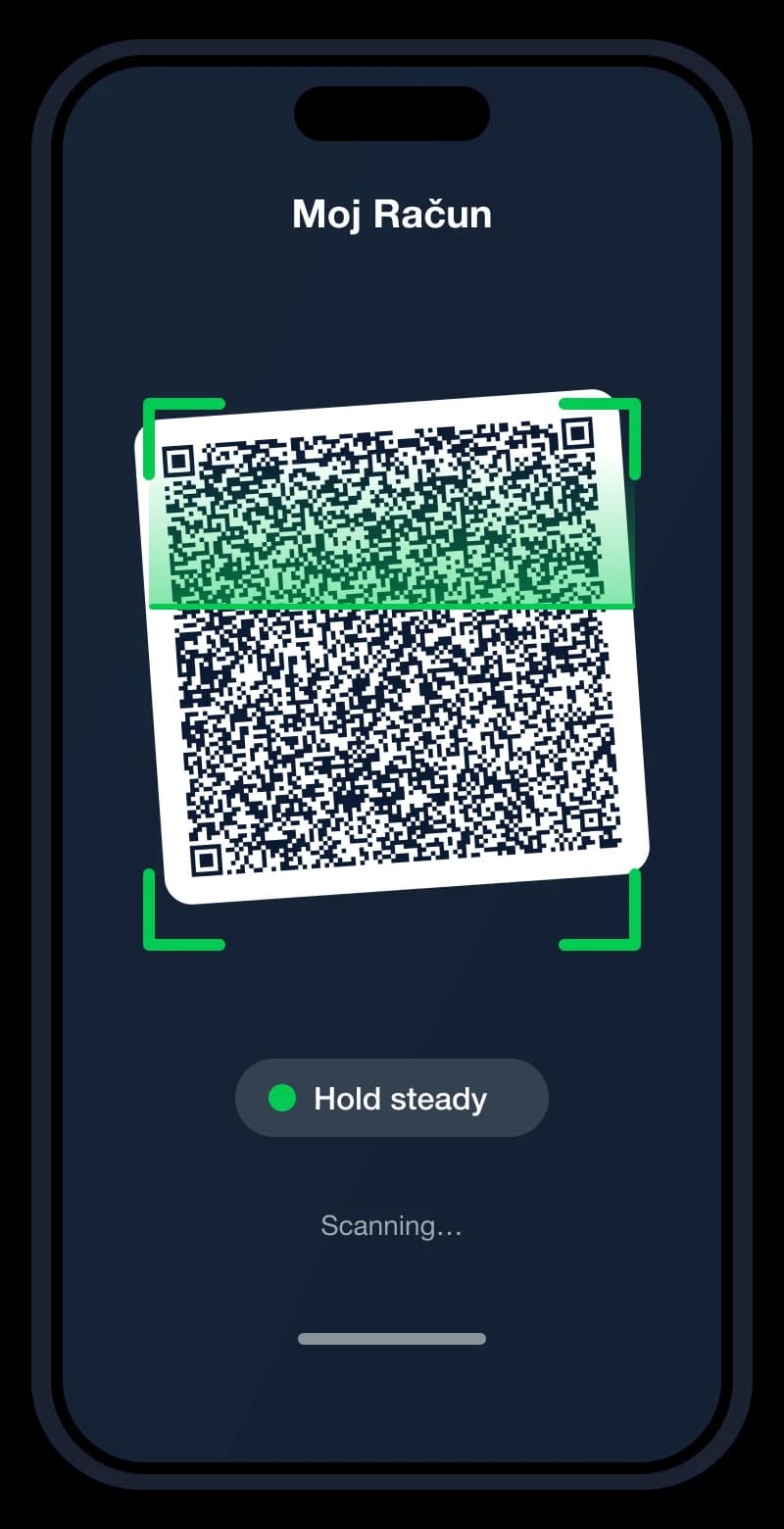
Amazing fast QR scan
Reads the receipt codes other scanners miss
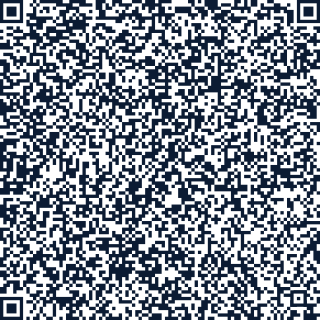
Serbian fiscal receipts carry very dense QR codes. We built our own scanner engine for them – one shared core running natively on iOS, Android and in your browser.
Built for dense codes. Version 20+ QR codes with 100+ modules per side are read reliably, even slightly blurred.
Live guidance. Hints such as “move closer”, “too dark” or “hold steady” help you get the shot first time.
Same engine everywhere. The scanner behaves the same on iPhone, Android and in the web app.
Zero typing. Merchant, items, amount and date are filled in for you.
Mobile apps
In your pocket and on the web
Scan at the till with the iOS or Android app, review on the big screen at home. One account, everywhere.
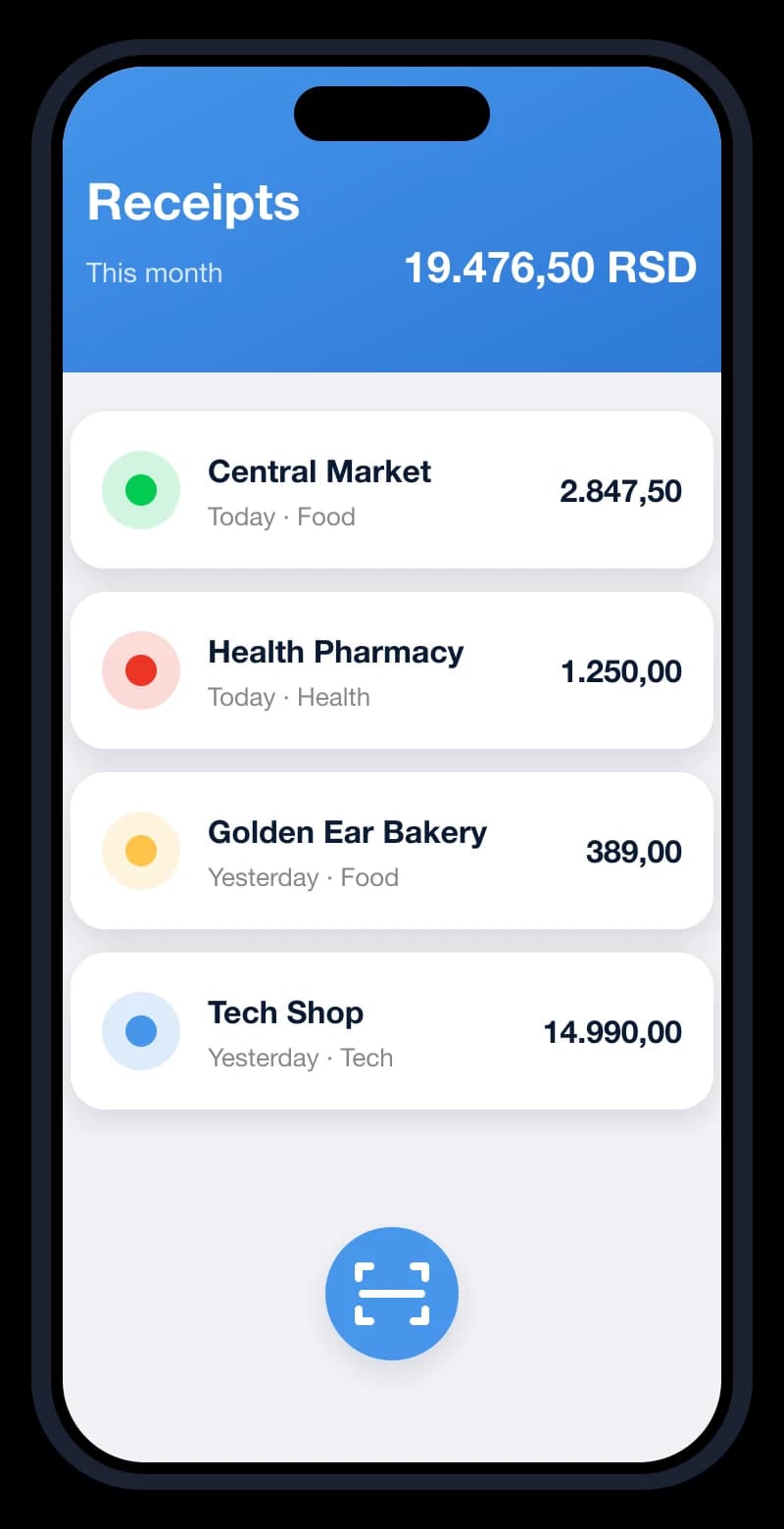
Your receipts
Fast scanning
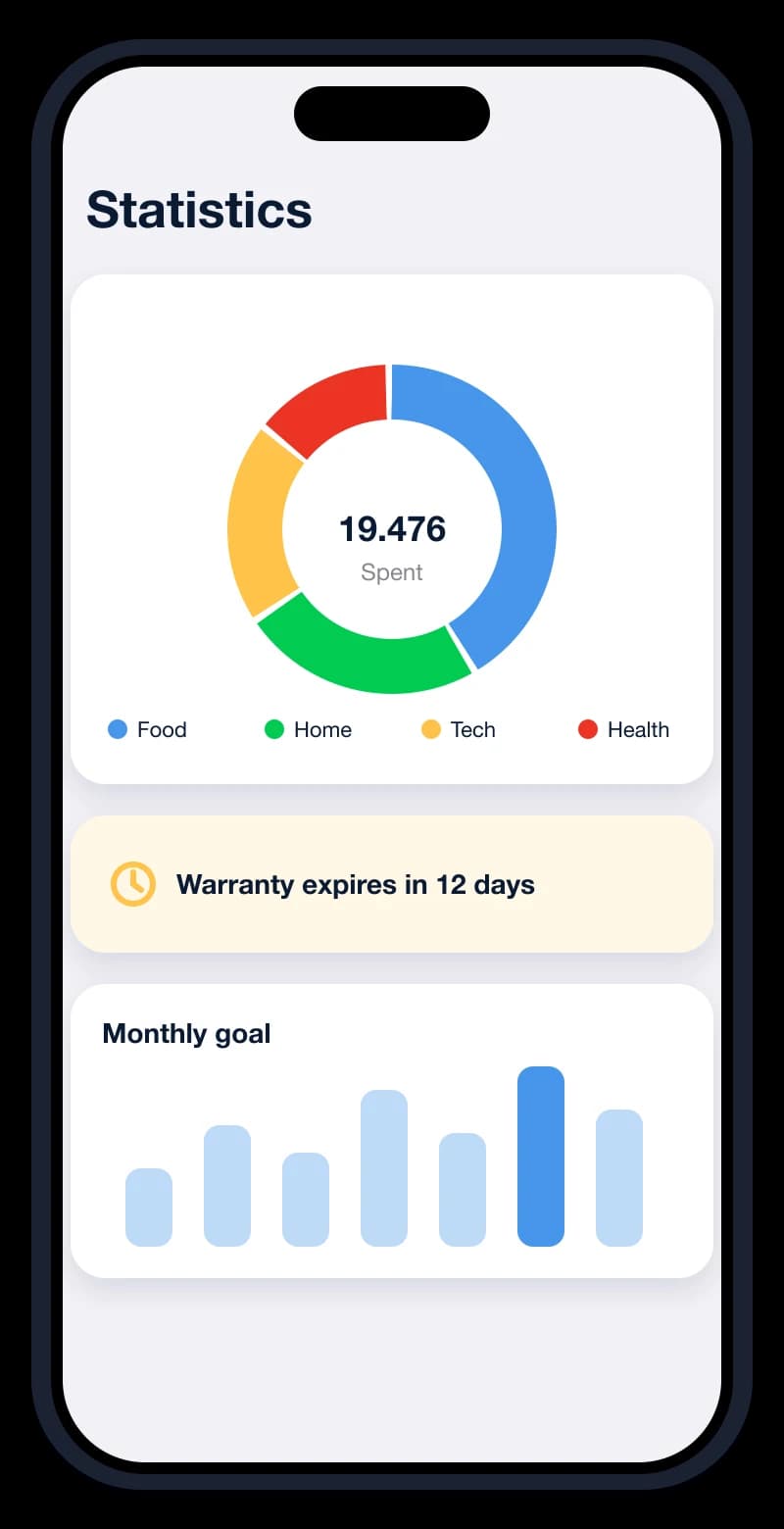
Statistics & warranties
iPhone & iPad
Native iOS app
Android
Native Android app
Web
Works in any modern browser
Three steps. That's it.
- 1
Scan
Open the app and point the camera at the QR code on your receipt.
- 2
Review
Check the merchant and items that appear instantly, pick a category.
- 3
Relax
Browse spending, set goals and let warranty reminders do the remembering.
Pricing
Totally free.
Every feature is free, forever. Moj Račun is supported by ads, so you never pay to scan, store or analyse your receipts. If ads bother you, optional Premium removes them – nothing else changes.
Create a free account- Every feature included
- All your receipts in one place
- iOS, Android and web
- No credit card, ever
Private by design
Your receipts show how you live. We treat them that way.
Local mode
Keep data on your device only, no account required.
GDPR-minded
Clear consent choices and the rights you expect under GDPR.
Delete anytime
Export your data or remove your account from the app.
Questions, answered
Is Moj Račun really free?
Yes. All features are free to use. The service is funded by ads, and an optional Premium subscription removes them.
What does Premium do?
It removes ads in the web and mobile apps. One subscription works everywhere you sign in. No features are locked behind it.
Do I need an account?
No. In local mode your receipts stay on your phone. Create an account to use the web app and sync across devices.
Where does the receipt data come from?
From the QR code on the fiscal receipt: the app looks up the receipt on the Serbian tax authority (PURS) public verification service.
What if a QR code won't scan?
Follow the on-screen hints (move closer, add light, hold steady), or upload a photo of the receipt in the web app.
Can I delete my data?
Yes. You can export your data and delete your account at any time. See the Privacy Policy for details.